Anonymous Verified Buyer
" Very responsive and helpful, competitive pricing. Good source! "
July 2025
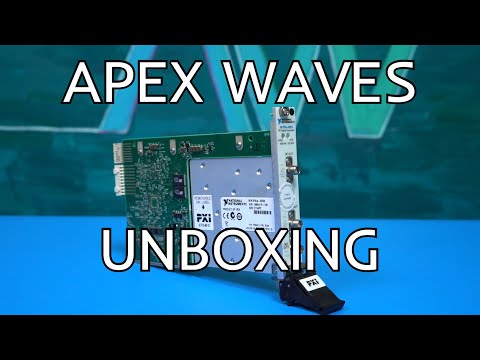
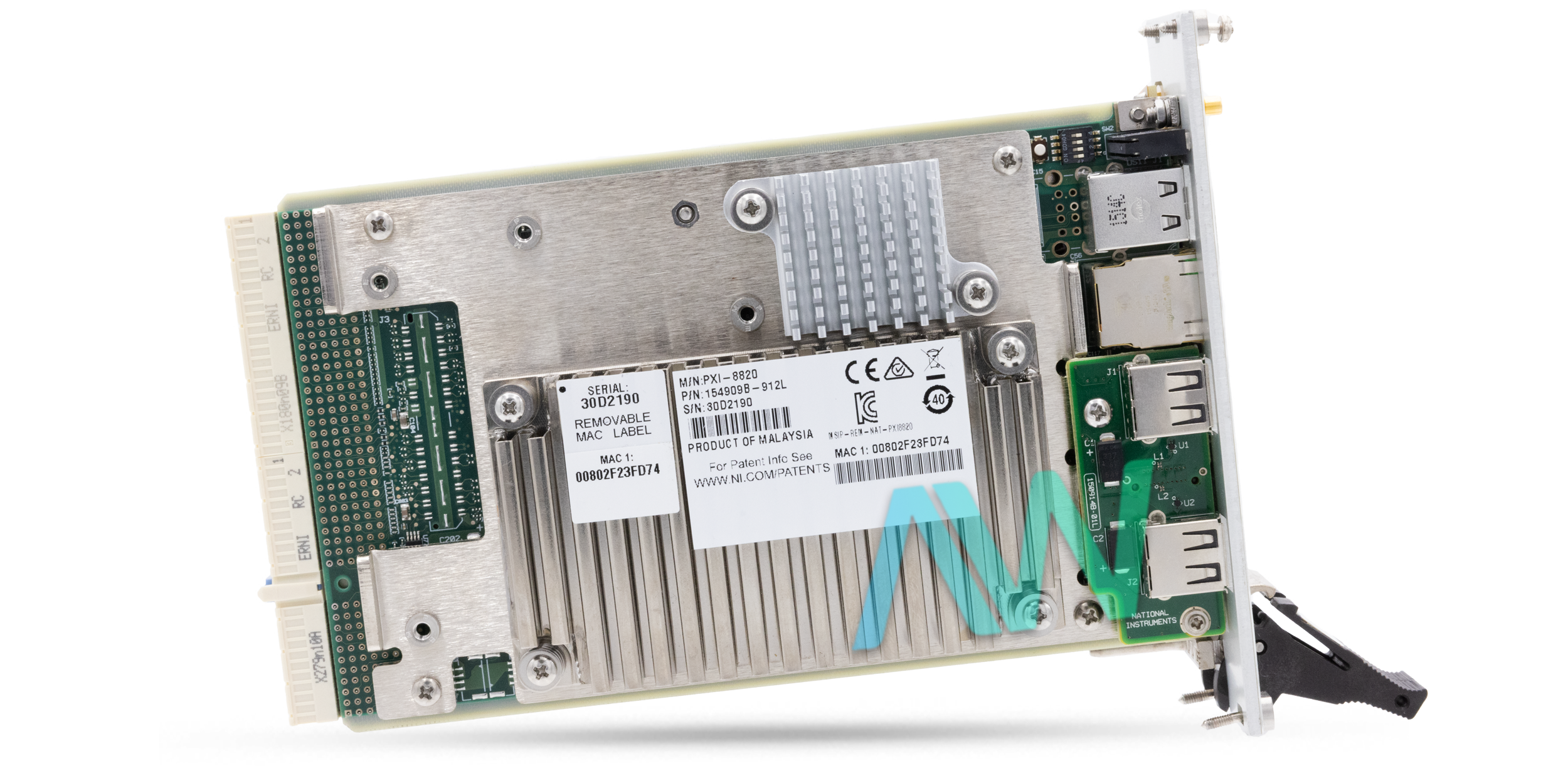
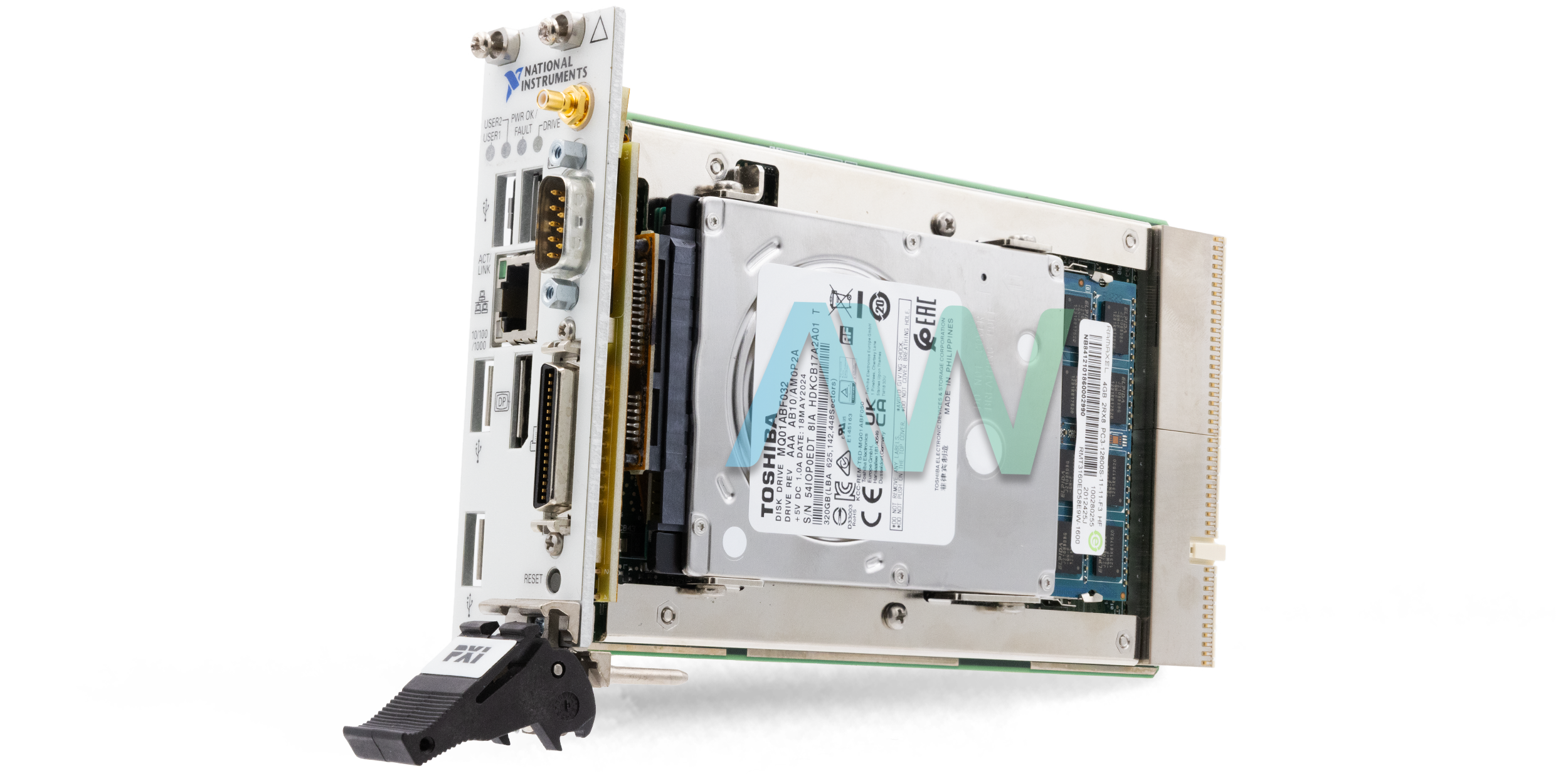
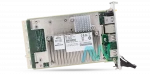
PXI-8820, Dual-Core Intel Celeron Processor, 2 Slot, 3U, PXI Controller
Actual item may vary if no part number is provided on quote request.


✔ 2 Year Warranty Included
✔ Free Domestic Ground Shipping
✔ NIST Calibration Available
Anonymous Verified Buyer
" Very responsive and helpful, competitive pricing. Good source! "
July 2025
Andrew Gar**** Verified Buyer
" Amazing to work with and had my order within 1 week after purchasing with all NI certs and data that were needed. "
March 2025
Said Sai**** Verified Buyer
" Competent contact for highly specialized components. The support team is very knowledgeable. Many thanks for the help and the fast shipping! "
January 2025
Bob C**** Verified Buyer
" Jason was able to get our emergency situation taken care of quickly and professionally. "
May 2025
Gregg Flecki**** Verified Buyer
" Great service and great products. This is my 2nd time using Apex Waves, truly impressed. "
January 2025

Carol Zimme**** Verified Buyer
" Very responsive and helpful, competitive pricing. Good source! "
July 2025
Andrew Gar**** Verified Buyer
" Amazing to work with and had my order within 1 week after purchasing with all NI certs and data that were needed. "
March 2025
Said Sai**** Verified Buyer
" Competent contact for highly specialized components. The support team is very knowledgeable. Many thanks for the help and the fast shipping! "
January 2025
Bob C**** Verified Buyer
" Jason was able to get our emergency situation taken care of quickly and professionally. "
May 2025
Gregg Flecki**** Verified Buyer
" Great service and great products. This is my 2nd time using Apex Waves, truly impressed. "
January 2025
National Instruments PXI-8820 PXI Controller
Featuring a Dual-Core Intel Celeron Processor, 2 GB DDR3 RAM, and 4 Hi-Speed USB Ports, the PXI-8820 (Part Numbers: 782920-04 and 782920-33) is an embedded controller from National Instruments. This model incorporates a 2.2 GHz CPU with a 2 MB cache. This model is compatible with the Microsoft Windows 7 operating system. It can also be acquired with the LabVIEW real-time operating system.
The National Instruments PXI 8820 controller has all the standard I/O, including 1 DisplayPort, 1 RS-232 serial port, 1 Gigabit Ethernet connector, and 1 parallel port. To store system CMOS, a battery-backed, dedicated memory is also provided. This PXI controller is a modular PC in the 3U-size form factor. An SMB connector can be found on the front panel of the NI PXI 8820. The SMB connector provides a means of communication between the controller and any PXI backplane trigger line. Through upgrading SO-DIMM, the user can increase the amount of installed RAM. This model supports Windows 7 installation from a USB device (CD/DVD-ROM). Besides this, the user can utilize a PXI-SCSI adapter for OS installation through an external SCSI CD-ROM.
The NI PXI-8820 comes with an internal 2.5 in. SATA notebook hard drive. Moreover, it has USB mass storage devices. Like any other Windows-based personal computer, the PXI-8820 supports various boot options such as PXE servers, USB, PCI, or PCIe-based devices, etc. This embedded controller does not have PS/2 ports, but users can still connect PS/2 input devices by utilizing a USB Y-splitter cable.
The PXI-8820 is now regarded as obsolete and is no longer available from the manufacturer National Instruments, but the PXI controller will remain available for purchase and repairs in perpetuity with Apex Waves.
| Model | PXI-8820 |
|---|---|
| Manufacturer | National Instruments |
| Part Numbers | 782920-04 and 782920-33 |
| Type | PXI Controller |
| Processor Core | Intel Celeron |
| Slot Requirements | One System Slot and One Controller Expansion Slot |
| Serial Ports | One RS-232 |
| Parallel Port | One |
| Hi-Speed USB | Four 2.0 Ports |
| On-die L2 cache | 2 MB |
| Operating Temperature | 5 to 50 °C |
| Storage Temperature | –40 to 65 °C |
| Dimensions | 1.59 in. × 5.14 in. × 8.51 in. (4.0 cm × 13 cm × 21.6 cm) |
| Weight | 1.90 lb. (0.86 kg) |
| PXI-8820 Manual | User Manual and Maintenance Manual Available for Download |
| Price | Request a Quote |
Associated part numbers for PXI-8820:
National Instruments PXI-8820 Frequently Asked Questions
Question: What are the memory options for the PXI-8820?
Answer: Standard memory is 2 GB, and the maximum is 8 GB.
Answer: The controller supports booting from the internal Serial ATA hard drive, a network PXE server, external USB mass storage devices (like a USB hard drive, CD/DVD-ROM, or flash drive), a USB floppy drive, external SCSI devices (if an adapter is used), and most PCI/PCIe-based devices that provide an Option ROM
Question: Is it possible to utilize an external hard drive at the same time as the internal Serial ATA drive on the NI PXI 8820?
Answer: Yes, it is possible to utilize an external hard drive at the same time as the internal Serial ATA drive.
Answer: Because the NI PXI-8820 does not have a dedicated PS/2 connector, you must use a USB Y-splitter cable (National Instruments part number 778713-01) connected to a USB port to utilize both a PS/2 keyboard and mouse simultaneously. Alternatively, you can use standard USB keyboards and mice.
Question: How do I access the hard drive recovery tool to restore my system?
Answer: You can launch the hard drive-based recovery tool by pressing and holding the hot key when the video output first appears during the boot process.
Delivery:
Eligible returns may be accepted within 30 days at Apex Waves’ discretion. A 25% restocking fee applies; non-refundable and built-to-order products are excluded.
Payment:






Receive Price & Availability Today!
Ask About Our Tiered Calibration Levels
Option & Modules:
Confirm Your Requirements or Versions
Cost & Lead Time Available Upon Request for Service
Repair Evaluation: $150
Common Typos: