Anonymous Verified Buyer
" Very responsive and helpful, competitive pricing. Good source! "
July 2025
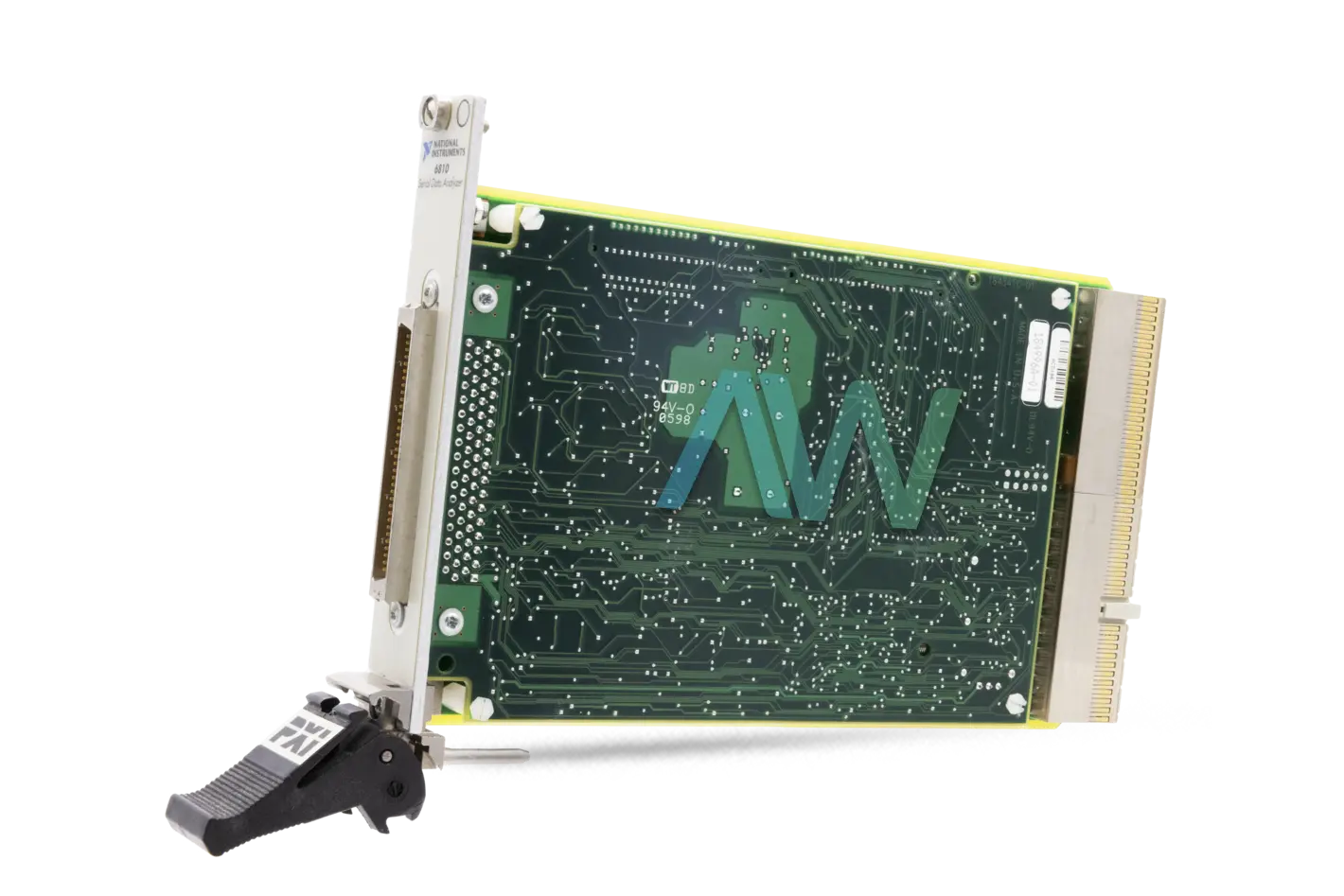
PXI-6810, PCI and PXI Bus, Serial Data Analyzer
Actual item may vary if no part number is provided on quote request.


✔ 2 Year Warranty Included
✔ Free Domestic Ground Shipping
✔ NIST Calibration Available
Anonymous Verified Buyer
" Very responsive and helpful, competitive pricing. Good source! "
July 2025
Andrew Gar**** Verified Buyer
" Amazing to work with and had my order within 1 week after purchasing with all NI certs and data that were needed. "
March 2025
Said Sai**** Verified Buyer
" Competent contact for highly specialized components. The support team is very knowledgeable. Many thanks for the help and the fast shipping! "
January 2025
Bob C**** Verified Buyer
" Jason was able to get our emergency situation taken care of quickly and professionally. "
May 2025
Gregg Flecki**** Verified Buyer
" Great service and great products. This is my 2nd time using Apex Waves, truly impressed. "
January 2025

Carol Zimme**** Verified Buyer
" Very responsive and helpful, competitive pricing. Good source! "
July 2025
Andrew Gar**** Verified Buyer
" Amazing to work with and had my order within 1 week after purchasing with all NI certs and data that were needed. "
March 2025
Said Sai**** Verified Buyer
" Competent contact for highly specialized components. The support team is very knowledgeable. Many thanks for the help and the fast shipping! "
January 2025
Bob C**** Verified Buyer
" Jason was able to get our emergency situation taken care of quickly and professionally. "
May 2025
Gregg Flecki**** Verified Buyer
" Great service and great products. This is my 2nd time using Apex Waves, truly impressed. "
January 2025
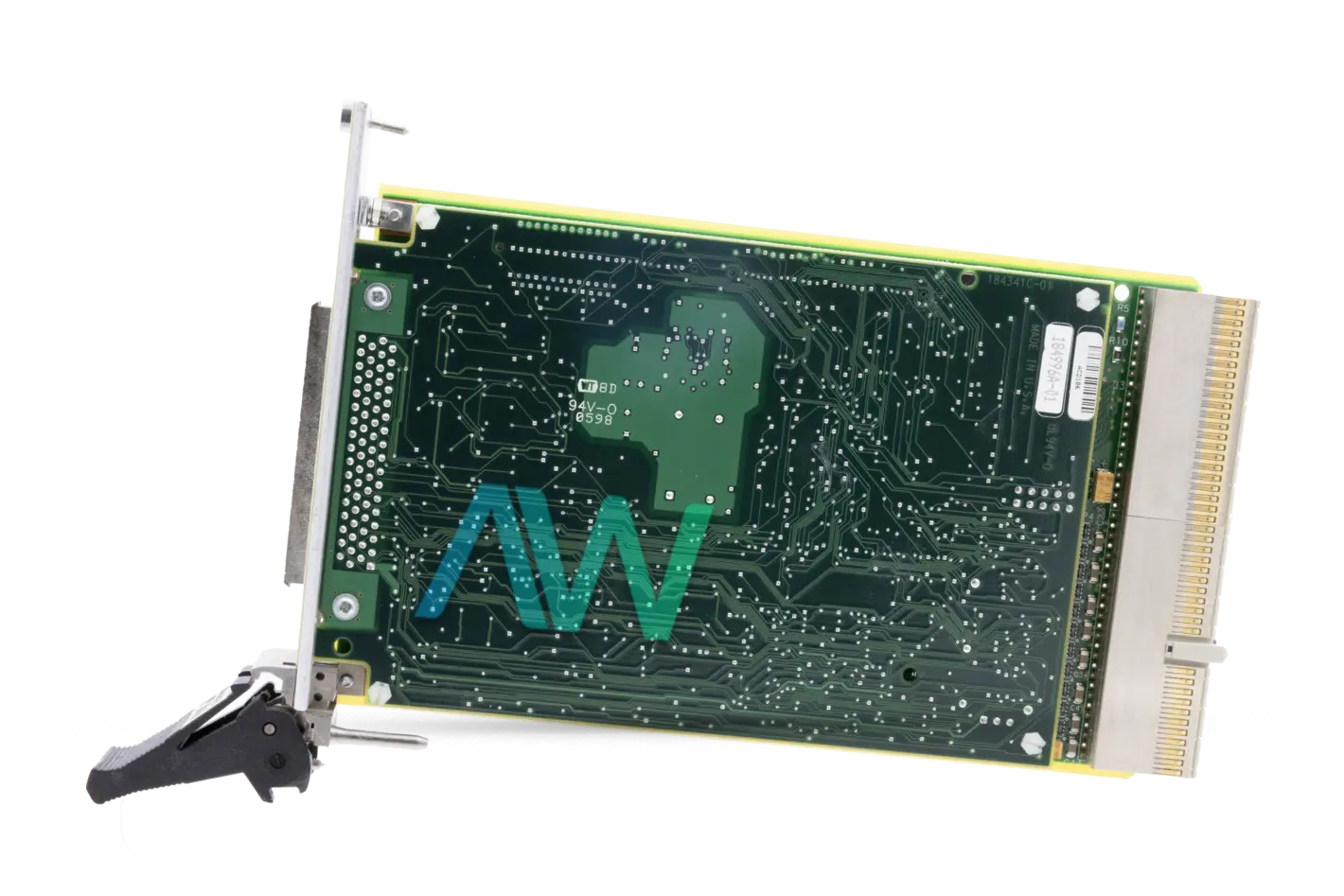
PXI-6810 Serial Data Analyzer (PCI and PXI Bus Computer)
The PXI-6810 (Part Number: 184996-01) is a Serial Data Analyzer made to work in conjunction with the PCI-6810 on PCI and PXI bus computers. The PXI-6810 possess connections for the reserved lines on the CompactPCI J2 connector. The PXI-6810 creates and gathers serial data streams for various types of test applications. Together with the PCI-6810, the PXI-6810 Serial Data Analyzer transmits and receives serial data at 10 Mb/s. The PXI-6810 communicates with standardized and proprietary communication interfaces.
The PXI-6810 Serial Data Analyzer is an all-purpose tool utilized in applications requiring multiple configurable channels and the capacity to receive and transmit serial data. The PXI-6810 satisfies laboratory testing, manufacturing, and repair center requirements.
The PXI-6810 Serial Data Analyzer finds its primary applications in subsystem testing of cellular devices, base stations, CD-ROM drives, and other applications involving arbitrary serial patterns.
To setup and test the PXI-6810 Serial Data Analyzer, begin by installing the software development environment. Insert the PXI-6810 into the 5V slot using the injector handle. Once the application development environment, install the PXI-6810 device software using the CD-drive, making sure to turn the device power off prior to installing the hardware and to position the ejector handle downward. The PXI-6810 should be installed using a slot supporting bus master cards and bus arbitration. Using screws, attach the front panel of the PXI-6810 and PXI or CompactPCI chassis front panel mounting rails. Proceed to run the soft front panel to control the device features. When running the software soft front panel, employ the NI Serial Data Analyzer program group to confirm correct installation. Complete the setup and testing procedure by running the self-test. Leave sufficient room between the 6810 configuration and other device.
The PXI-6810 Serial Data Analyzer can be used with any PXI or CompactPCI chassis with a 5V slot.
| Model | PXI-6810 |
|---|---|
| Manufacturer | National Instruments |
| Part Number | 184996-01 |
| Type | Serial Data Analyzer |
| Operating Voltage | 2.7 to 3.6 V |
| Compatible With | PCI-6810 on PCI and PXI bus computers |
| Transmitter Max Synchronous Bit Rate | 10 Mb/s |
| Physical Dimensions | 10.0 by 16.0 cm (3.9 by 6.3 in.) |
| PXI-6810 Manual | Manual and PDFs Available for Download |
Associated part numbers for PXI-6810:
Delivery:
Eligible returns may be accepted within 30 days at Apex Waves’ discretion. A 25% restocking fee applies; non-refundable and built-to-order products are excluded.
Payment:






Receive Price & Availability Today!
Ask About Our Tiered Calibration Levels
Option & Modules:
Confirm Your Requirements or Versions
Cost & Lead Time Available Upon Request for Service
Repair Evaluation: $150
Common Typos: