


Setup and Optimize the National Instruments PXI-5441 Waveform Generator
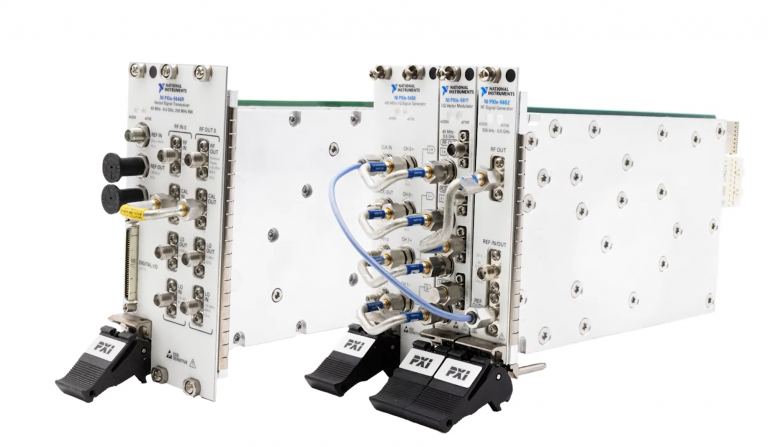
Listen to this blog post here. The National Instruments PXI-5441 is a powerful PXI waveform generator designed...
October 25, 2024
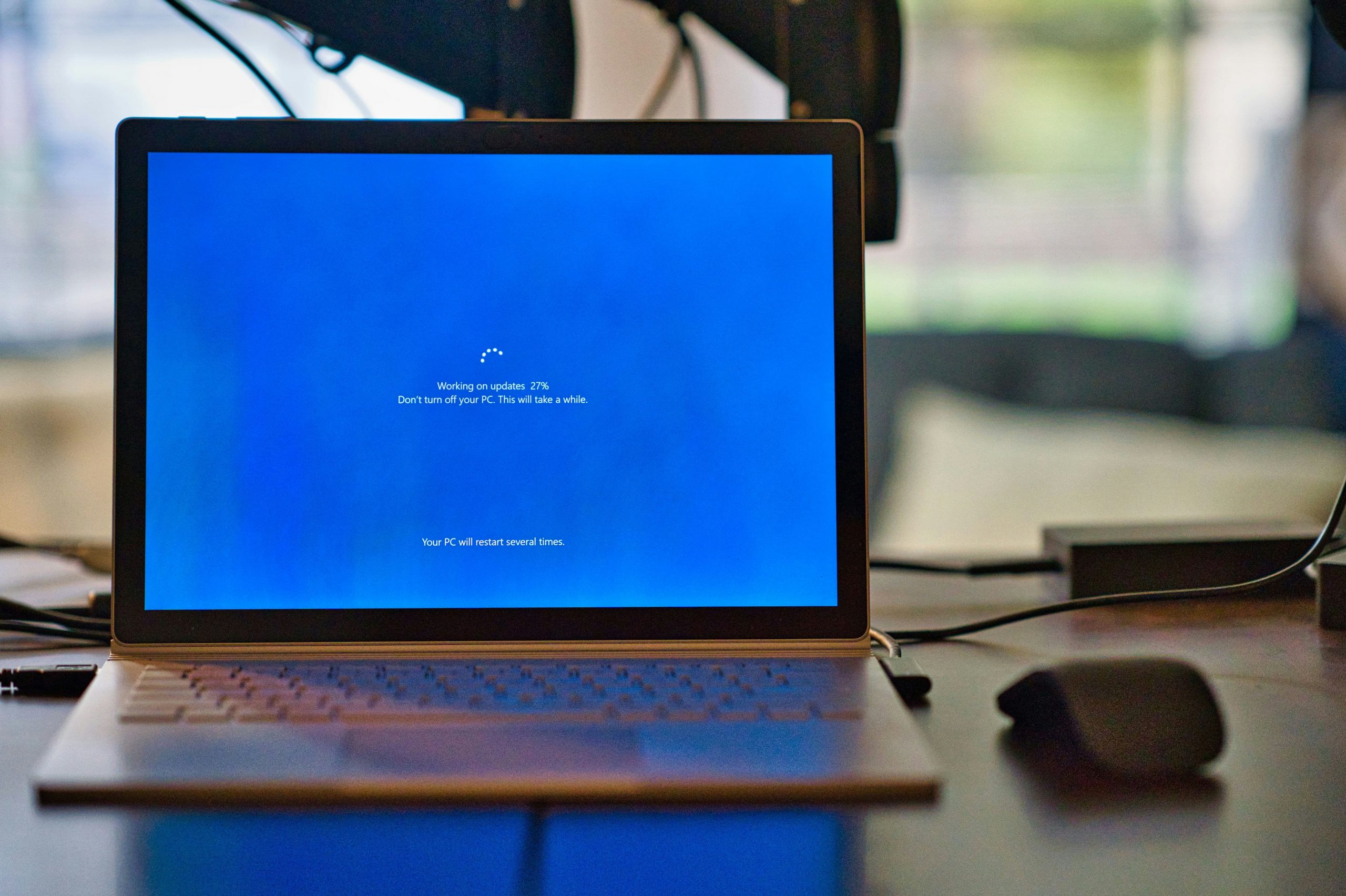






Microsoft has announced that the last day of support for the Windows 10 operating system will be on October 14, 2025, roughly 10 years after its initial release. This decision has been raising concerns for test and measurement setups, as Windows 10 currently runs on many modular PXI systems. How will the end of support for Windows 10 impact your hardware, and what can you do about it? This post will act as a comprehensive guide to help you understand what you need to know to address this transition with your own PXI hardware.
The main thing PXI hardware users should be aware of is that Microsoft ending support for Windows 10 means that there will no longer be regular security updates or bug fixes for the operating system. While your device will continue to operate like normal for a while, the inability to receive security updates will cause issues down the line. Most importantly, the removal of regularly updated protective measures is a huge concern for industries that handle sensitive data such as research, defense, and aerospace. Security support is crucial for safeguarding private information, adhering to applicable regulations and standards, and preventing interruptions that result in operational downtime. This is especially true of interconnected systems, where cybersecurity breaches or failures can impact multiple test setups.
The Windows OS comes in both 32-bit and 64-bit versions, and modules from NI’s PXI platform support both. The 32-bit version of Windows 10 only supports 32-bit addresses and can only utilize 4 GB of RAM. By contrast, the 64-bit version of Windows 10 can access significantly larger memory regions. This version can only be installed on x64 hardware, and all drivers must be natively compatible to work correctly.
If you are missing a necessary driver for your setup, search our NI Driver Downloads page for a compatible Windows driver version to download for free!
October 14th is fast approaching, but the end of support for Windows 10 doesn’t have to mean the end of your existing test setup. Certain legacy modules do not support Windows 11, which can complicate the process of upgrading your system. Here are a few alternative options that can provide you with more time to plan out the next best step for your hardware.
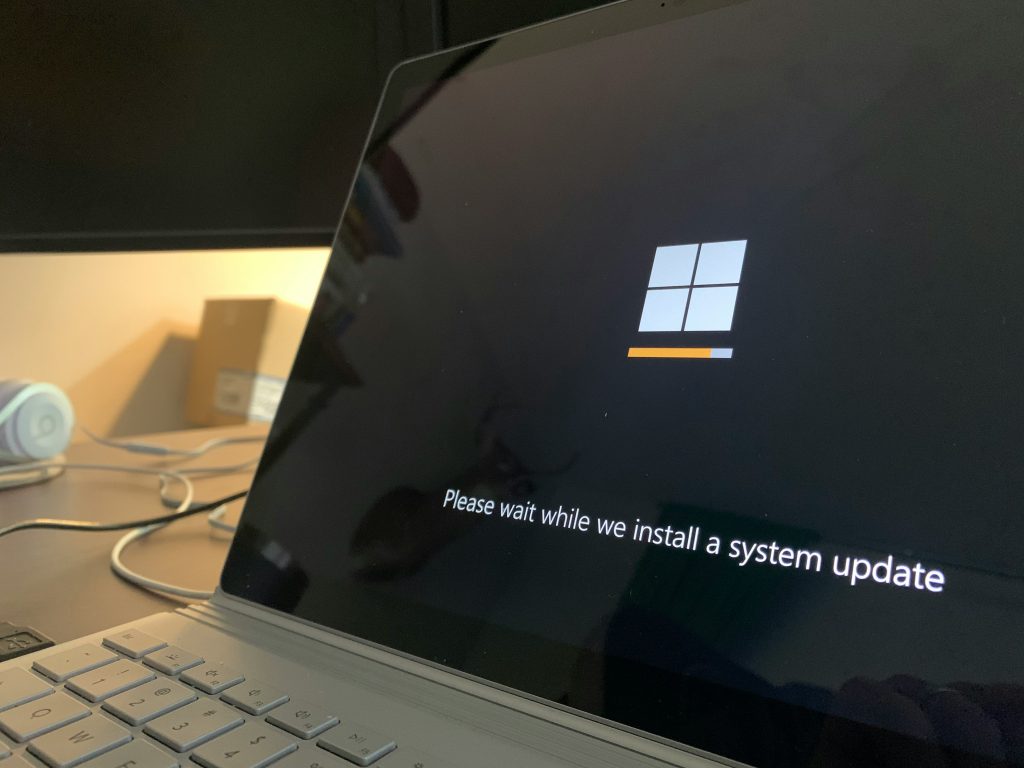
Option 1) Enroll in Extended Security Updates (ESU)
Microsoft offers an Extended Security Updates program for both businesses and individuals. For a fee, this program allows the user to continue receiving vital security updates after support has officially ended. Devices are eligible for updates from the ESU program if they are running the most current version of Windows 10, version 22H2.
The ESU program is limited to essential updates—it does not provide users with the newest features, nonsecurity updates, design changes, or general tech support. Enrolled PCs for businesses or educational institutions are eligible to get security updates for up to 3 years after support has ended. For individuals, this additional support period only lasts for 1 year (until October 2026).
Learn more about how to sign up for the ESU program from Microsoft’s website here.
Option 2) Switch to the LTSC 2021 Version of Windows 10
Windows LTSC (Long-Term Servicing Channel) is a deployment option for specialized devices and environments. The standard LTSC is intended for general-purpose devices, such as desktop computers and workstations, and will continue to receive security updates until 2027. This option also allows you to opt for monthly quality upgrades and postpone feature updates.
There is an IoT version of the LTSC that will continue to receive security updates until 2031. This option gets you up to 6 more years of Windows 10, but it is intended for dedicated devices (such as kiosks or ATM machines). The IoT version is an excellent choice for devices that usually only perform one crucial function and require fewer feature updates—things that do not heavily rely on support from other applications or tools.
Learn more about Windows Enterprise LTSC here.
Once you have a valid Windows LTSC 2021 license, there are ways to switch over from Windows 10 to the LTSC version without performing a completely new clean install from Windows 10 Pro. This process is outlined here in a video tutorial from the CyberCPU Tech YouTube channel.
Option 3) Keep Your System Offline
Another alternative is to avoid updating your system altogether by keeping it offline. With this option, you will want to isolate your system from other networks for security. This can be accomplished by either blocking the internet access at your firewall or by physically unplugging the ethernet cable.
Additional information about Windows Firewall and Network Protection can be found here.

Q: Will my PXI controller still operate as intended after Windows 10 support ends?
A: Your PXI controller will not stop working right away. The core functionality will operate as normal, but the lack of both continued support and updates will compromise both the security and integrity of your system as time goes on.
Q: How can I protect the data on my controller?
A: Before attempting any updates to your operating system, it is important to back up and preserve the data from your hardware. One effective way to do this is to create an image of your PXI controller using Clonezilla. This will create a copy of the controller’s data by replicating the contents of the hard drive to another drive.
Steps for imaging your PXI controller can be found on NI’s site here.
Q: Will I need to upgrade my PXI hardware?
A: Enrolling in Extended Security Updates or switching to an LTSC version of Windows 10 can delay the inevitable, but you will eventually need to either switch your OS over to Windows 11 or completely upgrade your hardware.
NI product compatibility with Windows 11 can be found here.
Q: I’m receiving an error when trying to update the Windows 10 OS on my PXIe controller to the newest version. What should I do?
A: To update your PXIe controller, power off the system and then remove any other modules from the chassis. The only thing loaded into the chassis should be the controller. The update should be successful when run with all the other slots empty!
Additional information about updating or changing the Windows OS on your PXI(e) controller can be found here.
Q: Will the end of support for Windows 10 affect regulated industries?
A: Regulated industries often require options such as ESUs or LTSC versions, as an unsupported operating system can cause issues with compliance and increase audit risks.
Q: I have legacy hardware that is not compatible with Windows 11. What should I do?
A: While many legacy devices can still work with the Windows 11 OS, some are simply not compatible. Proactive planning is key. If you need help sourcing PXI controllers or modules to best fit the needs of your test setup, Apex Waves specializes in maintaining legacy systems. We also provide NI Drivers, manuals, and official documentation all for free download. Contact us today at support@apexwaves.com!
A monthly email packed with valuable content—industry news, tutorials, obsolescence updates, and more. No sales pitches, just insights we think you'll find helpful!
Listen to this blog post here. The National Instruments PXI-5441 is a powerful PXI waveform generator designed...
Click here to listen to this post. Companies in almost every industry are being transformed...
Listen to this post here. The PXIe Platform from National Instruments offers an incredibly valuable toolset for...

Click here to listen to this post instead. It is no secret that simulation and...